← Back to VenueOS
Flagship App

Digital Signage that's actually easy to run.

The most-used app in the suite. Pair as many screens as you need, build layouts in a real drag-and-drop design editor, schedule what plays and when, and keep an eye on storage and screen health — all from one dashboard.

demo.venueos.jjjk.com.au/signage/control

Real dashboard, real data — every screen in this walkthrough is a live Digital Signage instance, not a mockup.

Screens & Pairing

Pair a TV in seconds, not a support ticket.

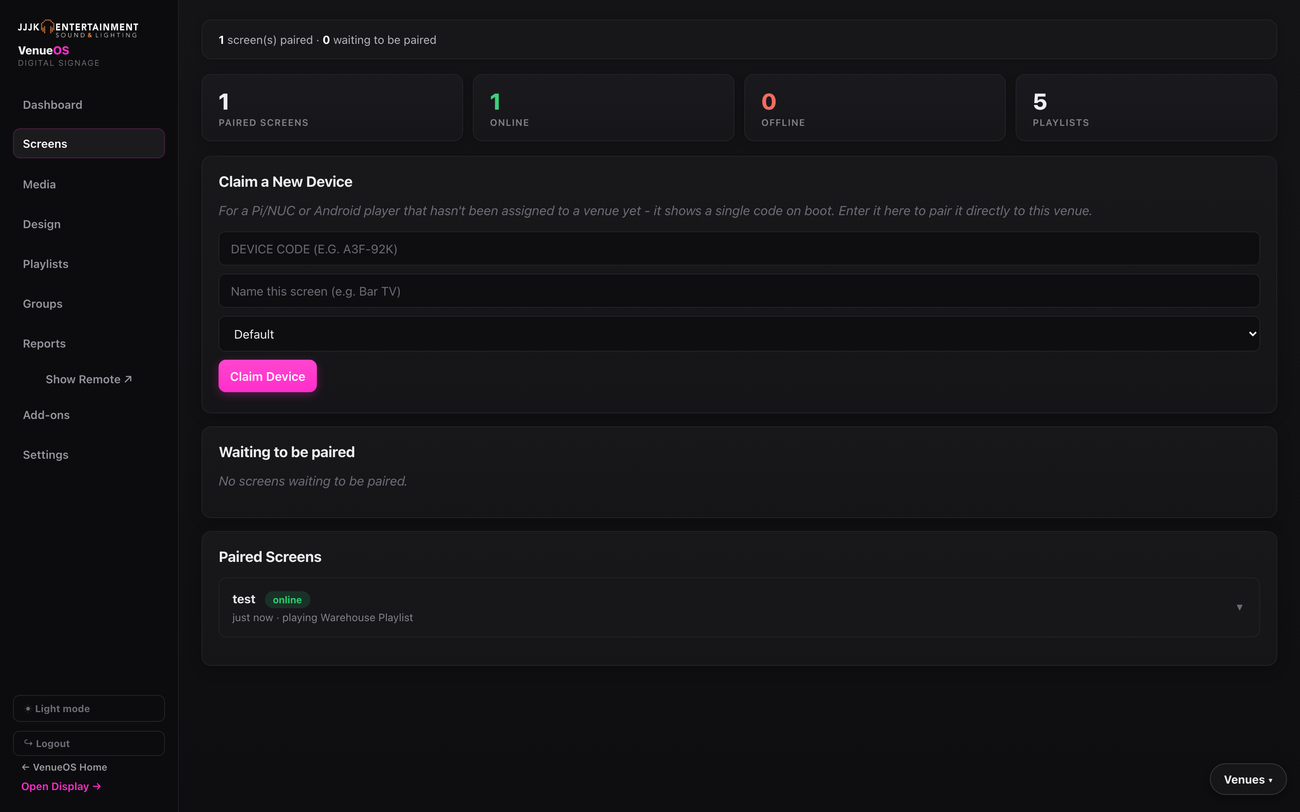
A screen shows a one-time code on boot — type it in, name it, done. See online/offline status and what's currently playing at a glance.
demo.venueos.jjjk.com.au/signage/control
Digital Signage Screens tab showing device claiming and a paired screen's status
HDMI-CEC Power Control

Turn screens on, off, and down for the night — automatically.

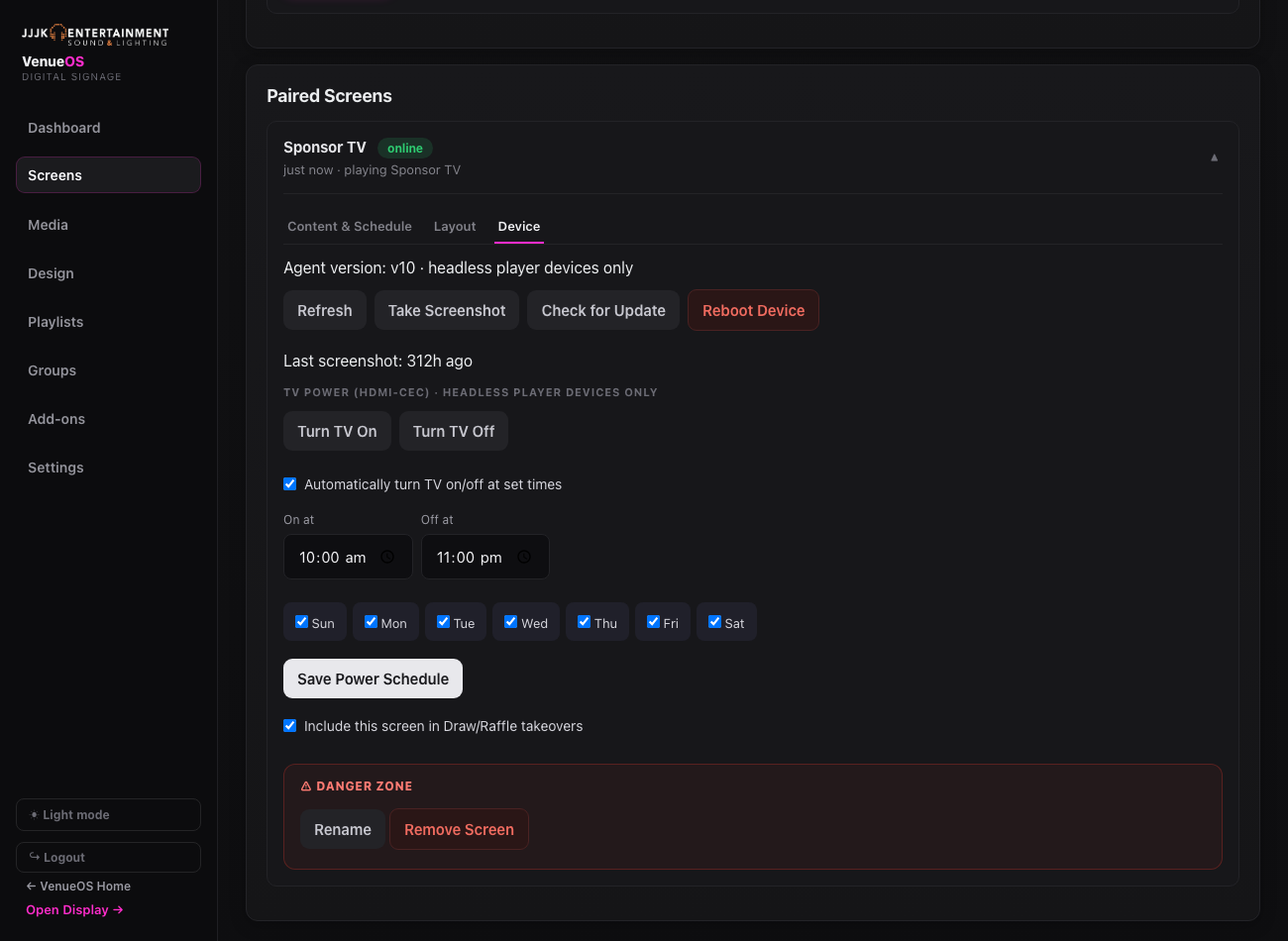
Every headless player screen gets real TV power control over the same HDMI cable already driving it — no extra hardware, no IR blaster. Turn a screen on or off from the dashboard right now, or set it and forget it with a daily schedule.
  • ✓On-demand on/off — one click from the dashboard, works on any CEC-capable HDMI display.
  • ✓Daily power schedule — pick the days and on/off times, the screen powers down after close and wakes up before open on its own.
  • ✓No extra hardware — runs over the HDMI-CEC link the display already has, nothing to install.
demo.venueos.jjjk.com.au/signage/control
Digital Signage Device tab showing HDMI-CEC TV power control with a daily on/off schedule
demo.venueos.jjjk.com.au/signage/control
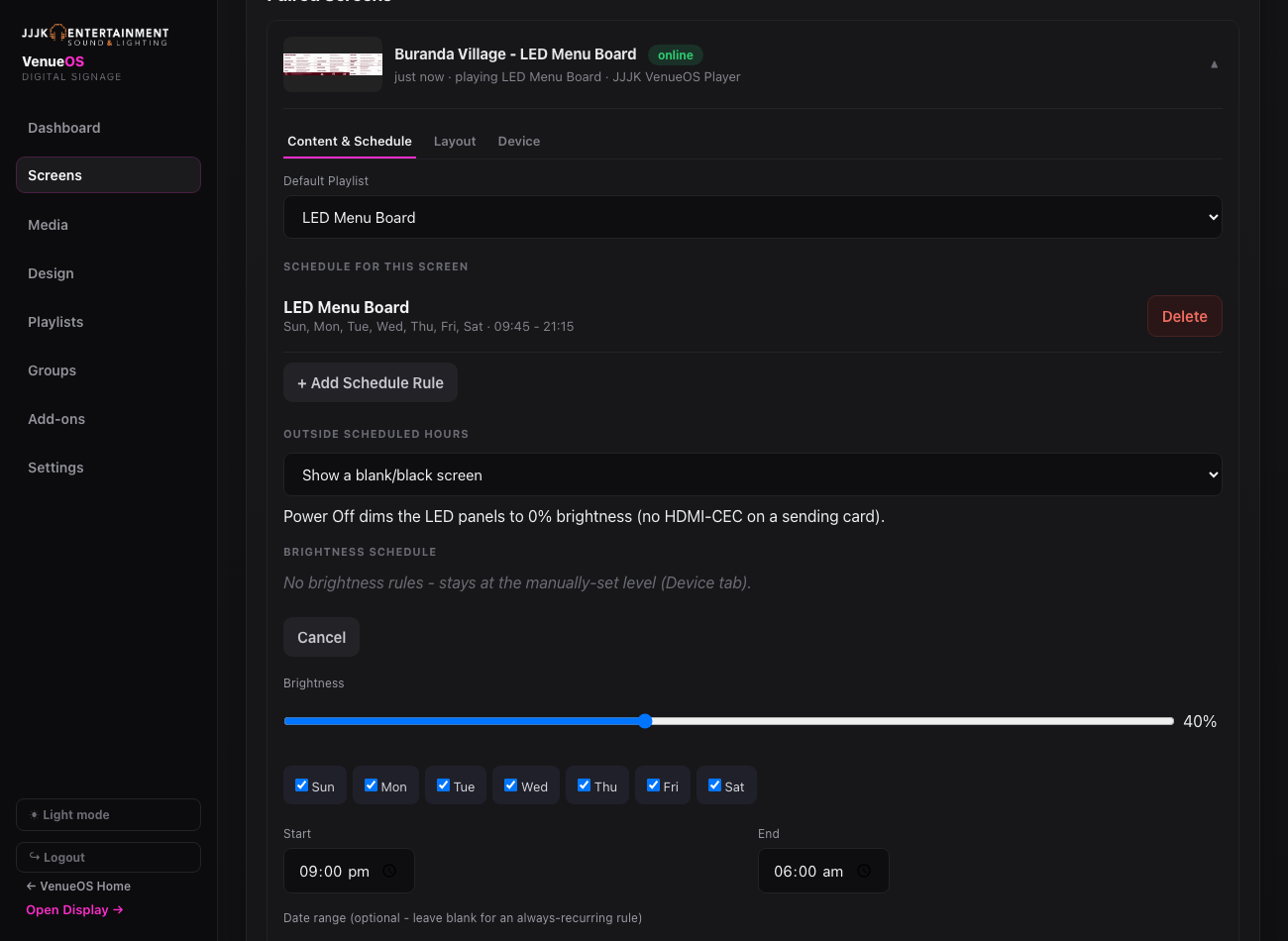
Digital Signage Device tab showing LED wall brightness control with a day/time dimming schedule
LED Wall Brightness · Pro Screens

Dial in the brightness, then let it dim itself.

LED walls on a NovaStar sending card get their own brightness control, right from the same screen card as everything else — no laptop, no NovaLCT, no calling us. Set it manually in seconds, or add day/time rules so it dims itself overnight and comes back up for the show. Included on Pro Screens ($15/screen/mo) — Standard Screens ($9/screen/mo) cover everything else.

  • ✓Manual brightness slider — applies to every output port on the sending card, takes effect within seconds.
  • ✓Day/time brightness rules — full brightness for the show, dimmed overnight, without anyone touching a laptop.
  • ✓Venue managers can do it themselves — no NovaLCT or sending-card software needed for routine changes.
Design Editor

Designed in your browser, no design skills needed.

A real drag-and-drop editor, not a template picker with three options. Text, images, shapes, undo/redo, snap-to-align guides and keyboard shortcuts — build a menu, a promo, or a countdown in minutes.
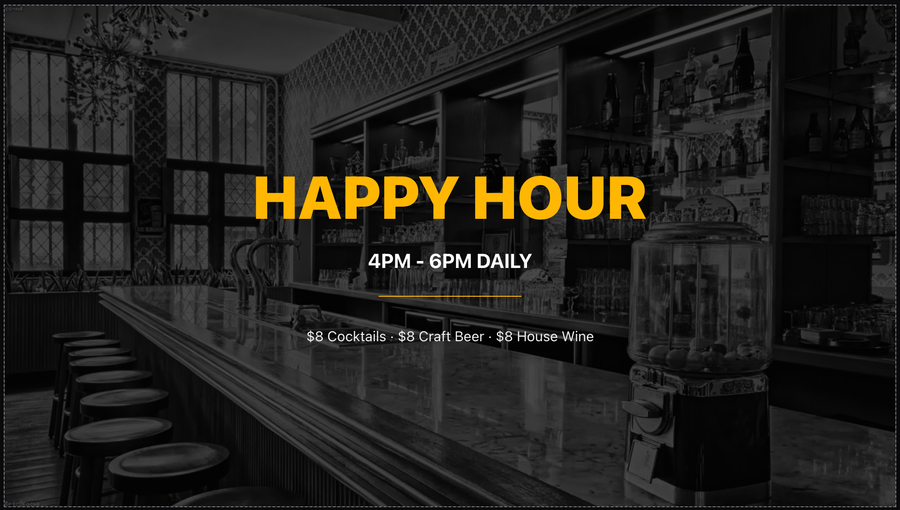
  • ✓Templates to start from — menus, specials, happy hour, event announcements.
  • ✓Full creative control — fonts, colours, images, shapes, layered elements.
  • ✓Undo/redo + snap guides — the editing tools you'd expect from real design software.
demo.venueos.jjjk.com.au/signage/design
Happy Hour promo slide built in the VenueOS Design Editor

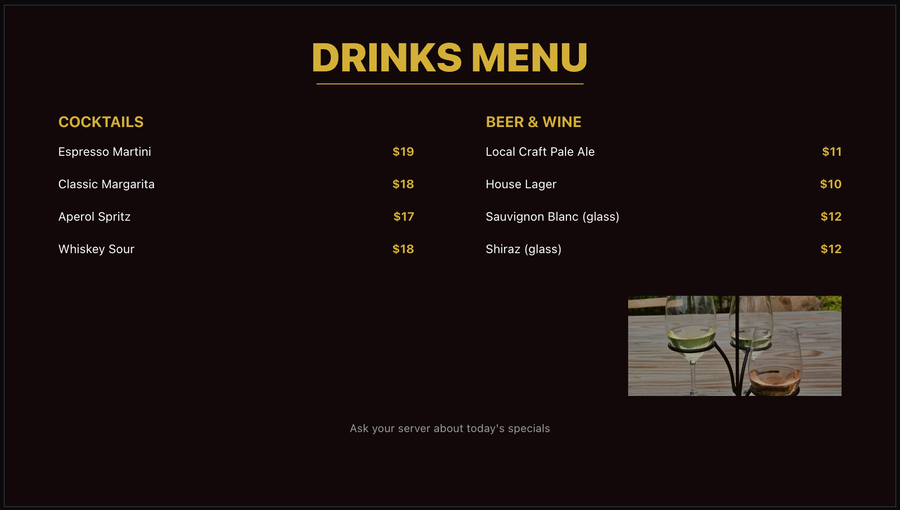
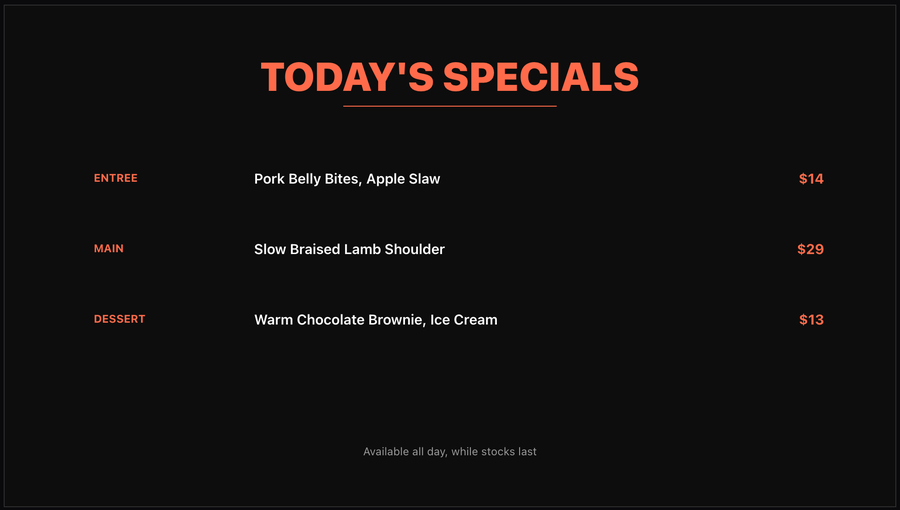
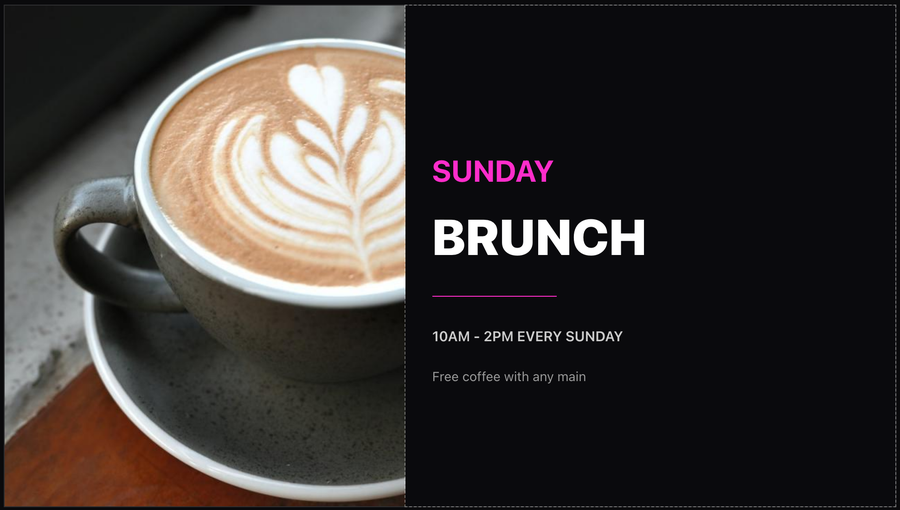
A few real slides from the same editor — menus, specials, promos, whatever your venue needs to show off.
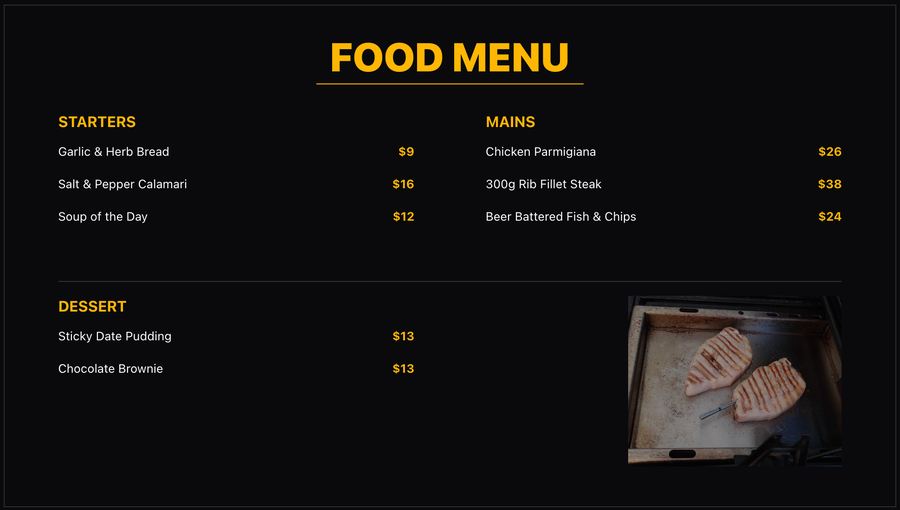
Food menu signage slide built in VenueOS Design EditorFood Menu
Drinks menu signage slide built in VenueOS Design EditorDrinks Menu
Today's specials signage slide built in VenueOS Design EditorToday's Specials
Sunday brunch promo signage slide built in VenueOS Design EditorSunday Brunch
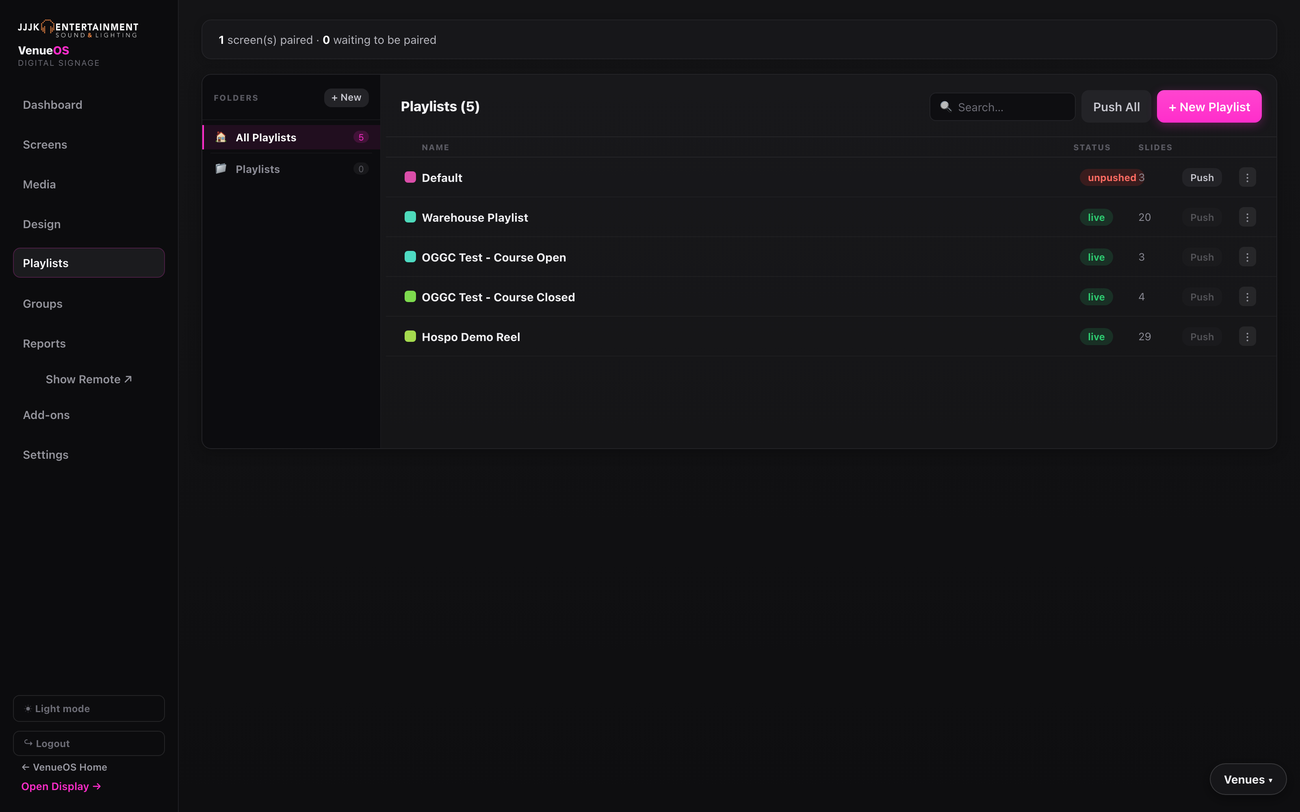
demo.venueos.jjjk.com.au/signage/playlists
Digital Signage Playlists tab showing live and unpushed playlists with slide counts
Playlists & Scheduling

Push once, live everywhere it needs to be.

Build a playlist, assign it to a screen (or a group of screens), and push. Day/time scheduling rules mean a screen can automatically switch what it's showing — course-open hours vs. after-dark, for example — with zero manual switching.

  • ✓Live vs. unpushed status — know exactly what's actually on screen right now.
  • ✓Groups — push to every screen in a zone at once, not one at a time.
  • ✓Embed any other app — show the live Trivia leaderboard, Scoreboard, or tonight's Gig Hub show as a slide.
Media Library

Organised in folders, not a flat dumping ground.

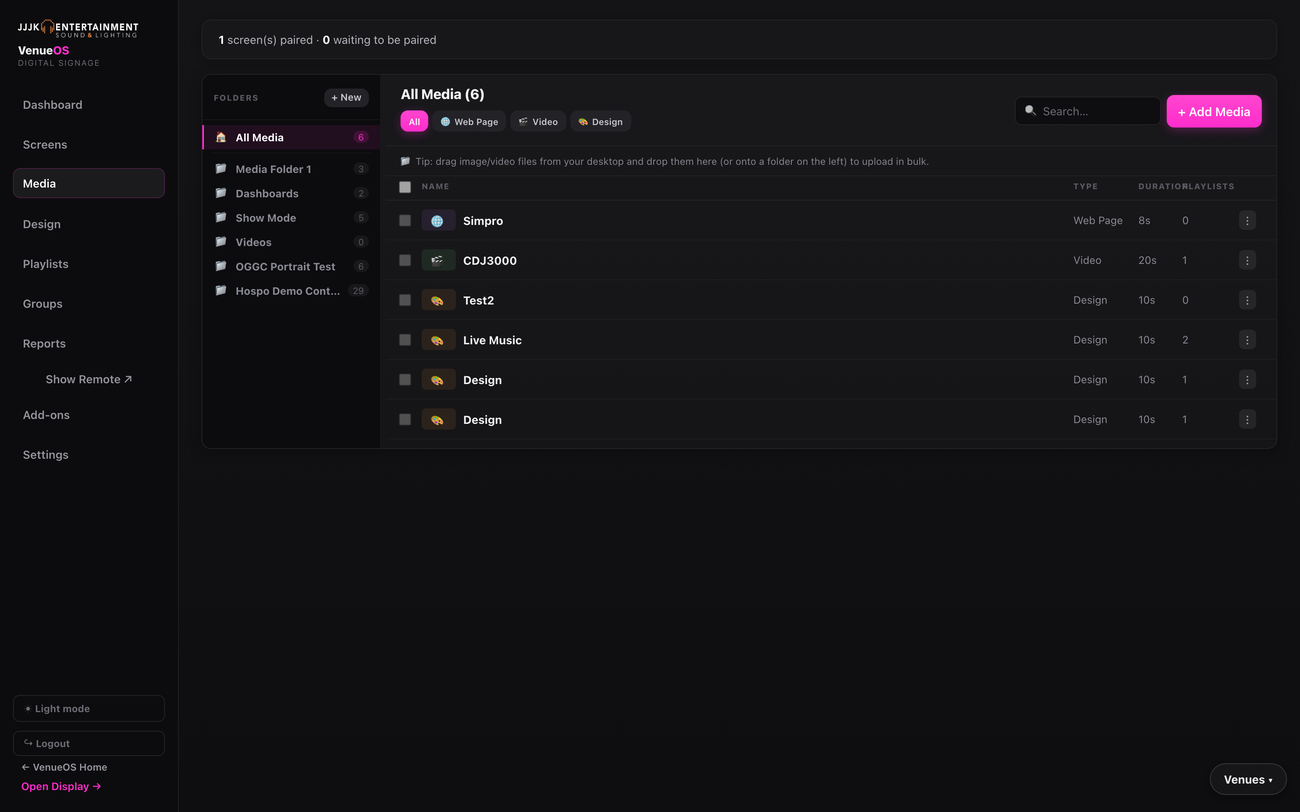
Images, video, web pages and designs all live in the same searchable library, sorted into folders your team actually chooses — not forced into a rigid structure.
demo.venueos.jjjk.com.au/signage/media
Digital Signage Media library showing folders and a mix of web page, video and design items

Ready to see Digital Signage running for your venue?

Book a live walkthrough — we'll show you the real dashboard, not a slide deck.

Book a walkthrough →